APIs
The non-visual surface: style helpers, the application shell, device and
platform info, and the animation systems. Import all of these from
"react-native".
StyleProp<T> defaults its type argument, and ViewStyle/TextStyle/
ImageStyle are all aliases of the one flat style bag this platform uses —
StyleProp<ViewStyle>, written the way ordinary React Native code already
writes it, compiles here unchanged.
StyleSheet
Profile: GTK
Supported: create, flatten, compose, absoluteFill/
absoluteFillObject, hairlineWidth.
PlatformColor
Profile: GTK
Supported: Adwaita theme variables — PlatformColor("accent-bg-color")
resolves to var(--accent-bg-color); @name reaches a legacy named GTK
color.
Differs from react-native:
- The names are Adwaita's own, not iOS's or Android's.
AppRegistry
Profile: Adw (fallback: chrome: "content" falls back to the same GtkApplicationWindow chrome: "system" always uses)
Supported: registerComponent, runApplication(appKey, { title, width, height, initialProps, chrome, actionAccels, breakpoints }), getAppKeys.
Differs from react-native:
- These are desktop window parameters, not mobile ones.
chrome: "content"uses anAdwApplicationWindowwith no window titlebar when the app declares"Adw-1"in itsgtkx.config.ts— the app's own header bars become the window chrome — and falls back to the plainGtkApplicationWindowthatchrome: "system"always uses when it does not. Requestingchrome: "content"unconditionally is the portable choice: header-bar chrome where Adwaita is available, an ordinary window otherwise, with no branch of the app's own.actionAccelsbinds accelerators toGtkApplicationaction names;breakpointsreachesAdwApplicationWindowdirectly and only takes effect underchrome: "content"with"Adw-1"declared — otherwise a development warning names the mismatch once per run.applicationActions/windowActions/windowControllersare superseded by the declarative<ApplicationActions>/<WindowActions>/<WindowControllers>components documented in Window, navigation, and settings; they still work unchanged.
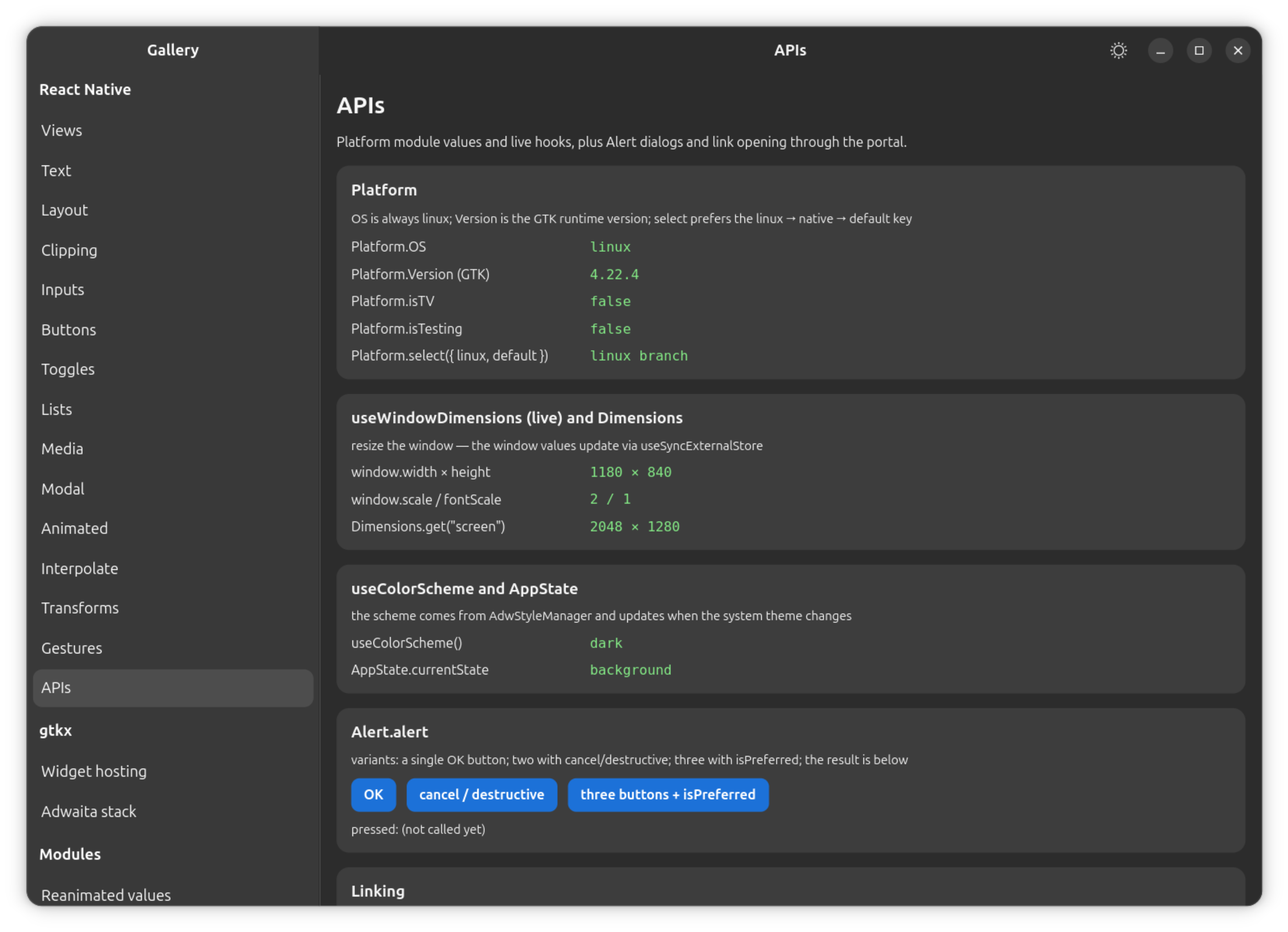
Platform
Profile: GTK
Supported: OS: "linux", Version (the GTK version), select
(linux → native → default), isTV, isTesting.
Differs from react-native:
Platform.OSis typed as the fullPlatformOSTypeunion plus"linux", not a"linux"literal — comparing it against another platform's name is a runtime question, and RN's own types let that compile everywhere.
Dimensions
Profile: GTK
Supported: get("window"/"screen"), addEventListener("change").
Differs from react-native:
- Reports the main window only — transient windows are ignored.
get("window")is the app's own viewport: the window's content area under its header bar, the desktop analogue of RN's app window.
useWindowDimensions
Profile: GTK
Supported: reactive main-window dimensions.
Appearance
Profile: Adw (fallback: sourced from the org.freedesktop.appearance desktop portal, then Gtk.Settings:gtk-application-prefer-dark-theme)
Supported: getColorScheme, setColorScheme, addChangeListener. Backed
by AdwStyleManager; on the plain-GTK profile (no "Adw-1"), it is
sourced from the org.freedesktop.appearance desktop portal's
color-scheme setting instead, with live updates through the portal's own
change signal, falling back further to
Gtk.Settings:gtk-application-prefer-dark-theme when no portal answers.
Differs from react-native:
- On every profile,
setColorSchemewrites to this process only — it never writes a system-wide preference. - With no portal reachable and no explicit
setColorSchemecall yet, the reported scheme is whateverGtk.Settingsalready defaults to (light), not an observed system value.
useColorScheme
Profile: Adw (fallback: same as Appearance, which this wraps)
Supported: reactive theme.
AppState
Profile: GTK
Supported: currentState (active/background), addEventListener.
Differs from react-native:
- Driven by the window's own active/inactive state.
Alert
Profile: Adw (fallback: Gtk.AlertDialog, GTK ≥ 4.10 — loses destructive/preferred button styling, keeps default/cancel mapping)
Supported: alert(title, message, buttons, options), backed by
Adw.AlertDialog (or Gtk.AlertDialog, GTK ≥ 4.10, on the plain-GTK
profile), including cancel/destructive/isPreferred button styles and
default/cancel mapping.
Differs from react-native:
- On the plain-GTK profile,
destructive/isPreferredappearance is lost —Gtk.AlertDialoghas no equivalent, so every button renders the same, though default/cancel mapping is preserved. cancelable: falsewith nocancel-style button cannot be enforced there either, sinceGtk.AlertDialoghas no way to block Escape or a window-close dismissal; add acancel-style button for identical behavior on both profiles.
alert maps directly onto a native dialog on both the Adwaita and
plain-GTK profiles; see the Guide's plain-GTK page
for how a plain-GTK app is configured.
Linking
Profile: GTK
Supported: openURL, canOpenURL (http/https/mailto/file),
getInitialURL (always null), addEventListener("url").
Differs from react-native:
- Opens through the system launcher.
- There is no deep-link delivery on desktop yet —
"url"subscriptions are accepted but never fire.
InteractionManager
Profile: GTK
Supported: runAfterInteractions(task?) (cancellable, then-able),
createInteractionHandle/clearInteractionHandle, addListener.
Differs from react-native:
- A navigation transition registers itself as an interaction, so work
deferred with
runAfterInteractionsduring a push or pop waits for the slide to finish.
DevSettings
Profile: GTK
Supported: addMenuItem(title, handler) (entries in the Dev Menu —
Ctrl+Shift+D in run-linux --dev), reload(reason?).
Differs from react-native:
- Silent no-ops in release builds, as in RN.
I18nManager
Profile: GTK
Supported: isRTL (a live read of the locale's text direction),
doLeftAndRightSwapInRTL, getConstants.
Differs from react-native:
allowRTL/forceRTL/swapLeftAndRightInRTLare accepted no-ops — mobile's persisted RTL override has no desktop store to persist to.
BackHandler
Profile: GTK
Supported: addEventListener("hardwareBackPress"), exitApp.
Differs from react-native:
- There is no hardware back key on desktop — subscriptions are honored, but nothing fires them yet.
findNodeHandle
Profile: GTK
Supported: a stable integer per mounted widget, resolvable back to it;
accepted by measureLayout as its first argument, alongside a handle
object. Takes what RN takes: a component handle, a node handle (returned
unchanged), null/undefined. A windowed list resolves to the
ScrollView it renders, as RN's FlatList resolves to its own scroll
view.
Differs from react-native:
- The tag identifies the widget, not the ref: two refs onto one view report the same number, and a re-render that rebuilt the handle object does not change it.
- It has no native manager to resolve against, so it is worth exactly what
this platform can resolve it to —
measureLayout, and identity. nullfor anything that is not a mounted host view, as in RN.
Keyboard
Profile: GTK
Supported: addListener (honored, never fires), removeAllListeners,
dismiss, isVisible (always false), metrics (always undefined),
scheduleLayoutAnimation.
Differs from react-native:
- Every event this module carries describes a software keyboard occluding the app, and a desktop has none — so none of them fire.
- Subscriptions are real and
remove()pairs with them, so an unmount never crashes on a stale listener. dismiss()is deliberately a no-op rather than RN's own behavior: RN blurs the focused input as its only way to retract the keyboard, and doing that here would let a library's gesture steal focus from a form.
LogBox
Profile: GTK
Supported: ignoreLogs, ignoreAllLogs, install, uninstall —
accepted and ignored.
Differs from react-native:
- RN's LogBox is a full-screen development overlay, and
ignoreLogsonly ever kept a warning out of that overlay — it never filtered the console. There is no overlay here, so console output is already what RN's own console output would have been, and nothing observable is lost by calling it.
PanResponder
Profile: GTK
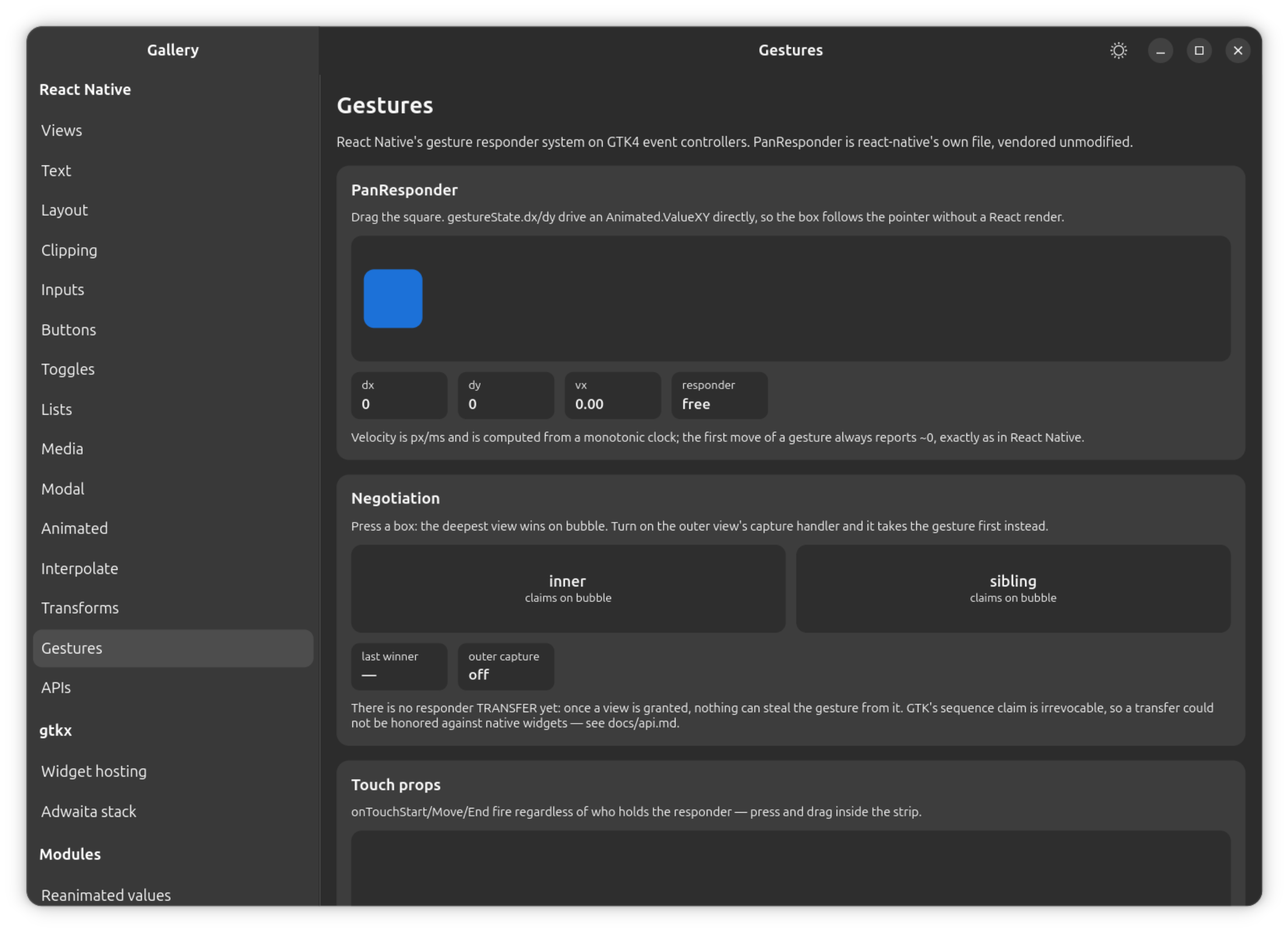
Supported: create(config) → panHandlers (spread onto a View), the
full gestureState (dx/dy, vx/vy, x0/y0, moveX/moveY,
numberActiveTouches) — react-native's own PanResponder.js, unmodified,
running on this platform's own touch-history store.
Differs from react-native:
- Multi-touch
gestureStateis single-touch here, since input is one pointer. onShouldBlockNativeResponder's return value is not consulted yet.onPanResponderTerminationRequestis asked when an ancestor tries to take the gesture, or when an enclosingScrollViewscrolls; every other termination is GTK's own decision and arrives as an unaskedonPanResponderTerminate(see View).
Animated
Profile: GTK
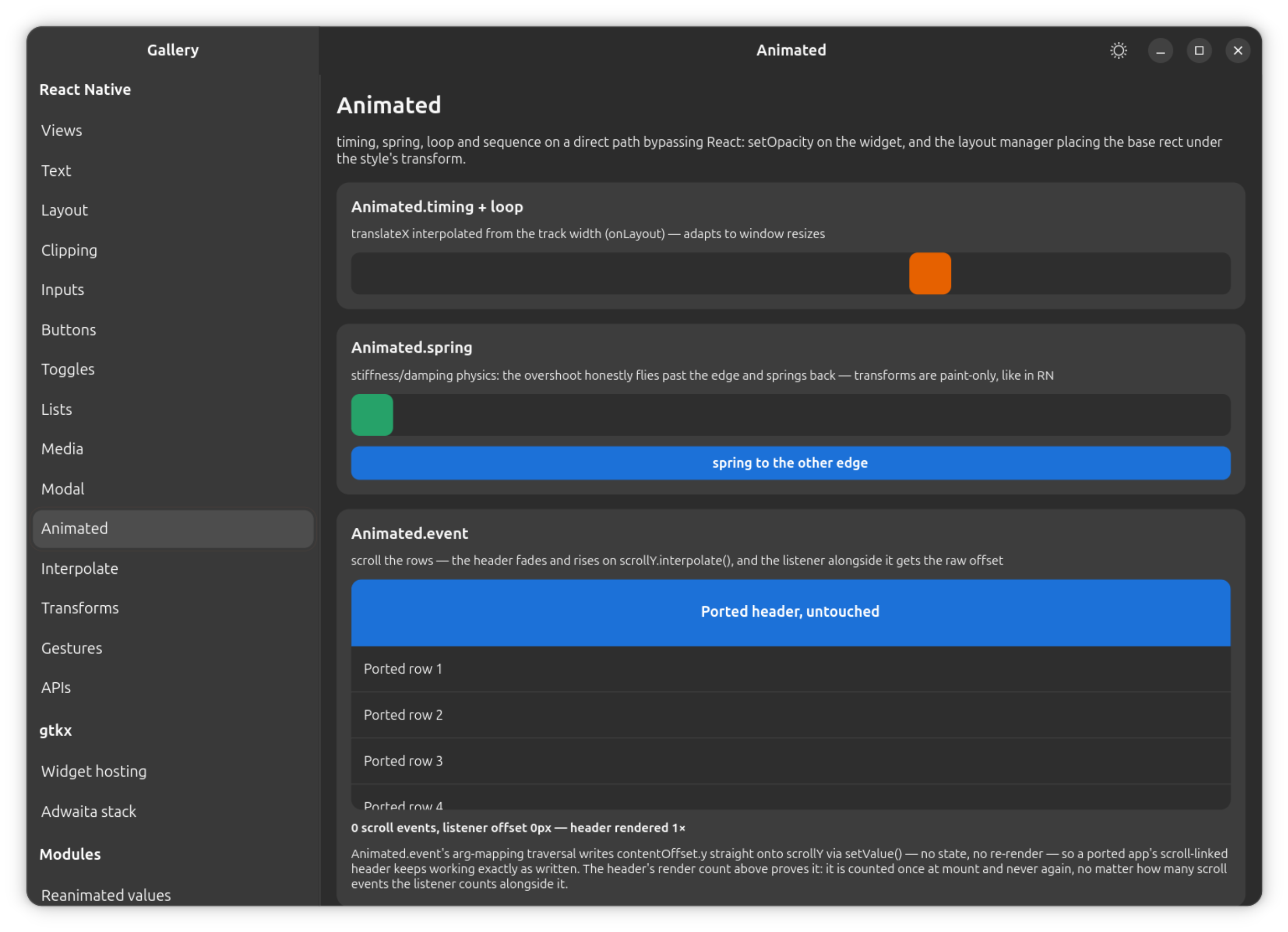
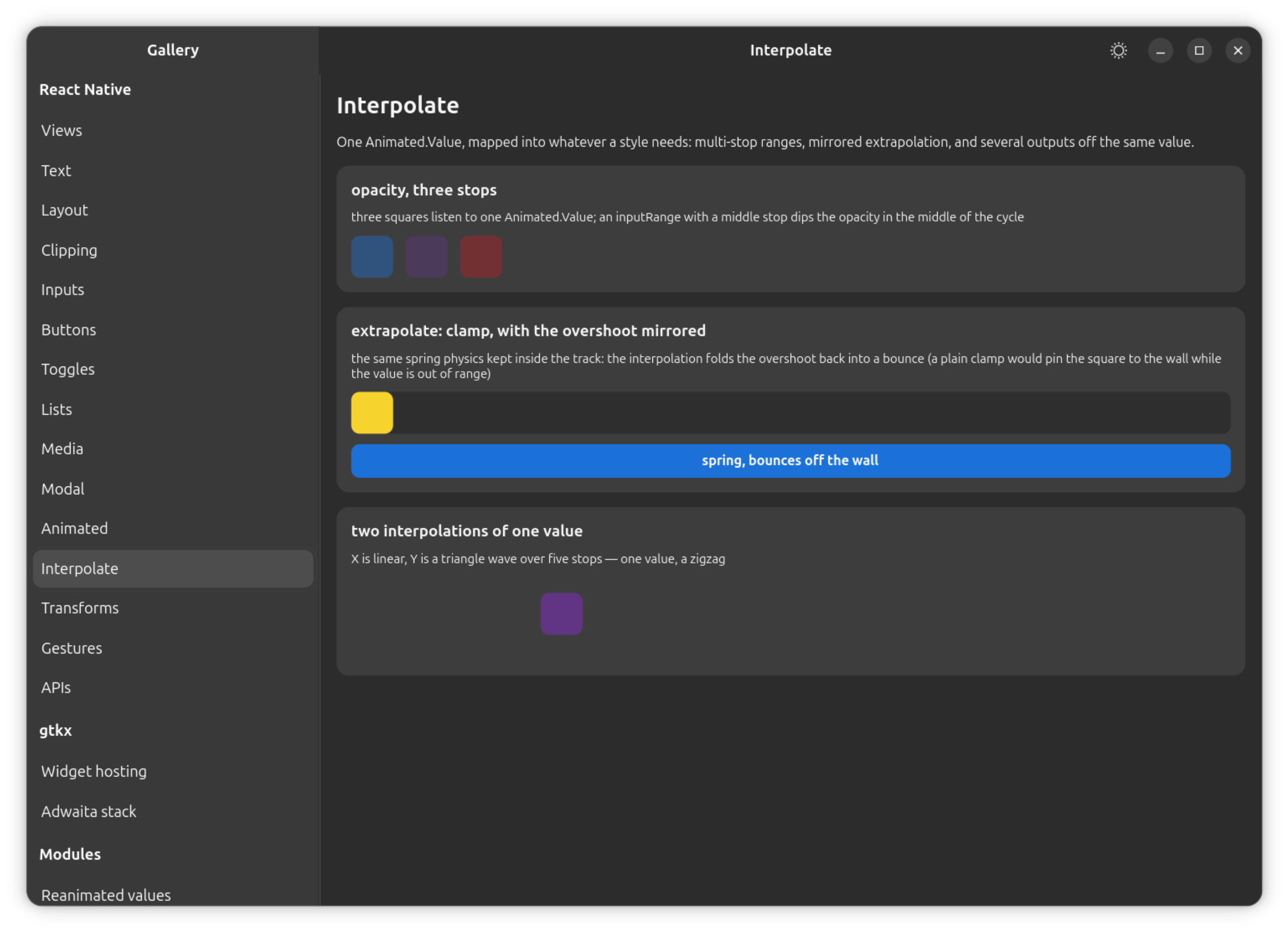
Animated — Value, timing, spring, sequence, parallel, delay,
loop, interpolate (numbers and deg/rad strings, with
clamp/extend/identity extrapolation), ValueXY (setValue/setOffset/
flattenOffset/extractOffset, getLayout, getTranslateTransform) and
event(argMapping, config?) — reads directly off PanResponder's
gestureState or a ScrollView's onScroll, mapping is positional over the
callback's own arguments, traversed recursively into plain objects down to a
leaf that is a Value/ValueXY, and config.listener still runs after the
mapping does. Animated.View's style takes opacity and the whole
transform array (translateX/translateY, scale, scaleX, scaleY,
rotate/rotateZ) driven directly by Animated nodes rather than through
React, plus top/left/right/bottom when the node's own position is
"absolute" (what makes ValueXY.getLayout() work), width/height where
the change is confined to the node that owns it, the same responder and touch
props View takes, pointerEvents, and animatedProps — because
Animated.View is createAnimatedComponent(View), and every View prop
reaches it there.
Differs from react-native: rotateX/rotateY/perspective (3D transforms),
skewX/skewY and matrix are not supported, and the transform origin is
always the component's own center — see
Components.
useNativeDriver is accepted and ignored, with a development warning: the
direct path already runs at native speed, and because there is no native side
to hand the event to, Animated.event always returns the plain JS handler
regardless of useNativeDriver. A mapped path the real event does not carry
is silently left unset at any depth rather than thrown — a deliberate
widening of RN's own traversal, which throws one level above a missing leaf.
Easing
Profile: GTK
Supported: linear, ease, quad, cubic, in, out, inOut,
bezier.
version
Profile: GTK
Supported: the package version.
Differs from react-native:
- Extension: not part of RN's own API.